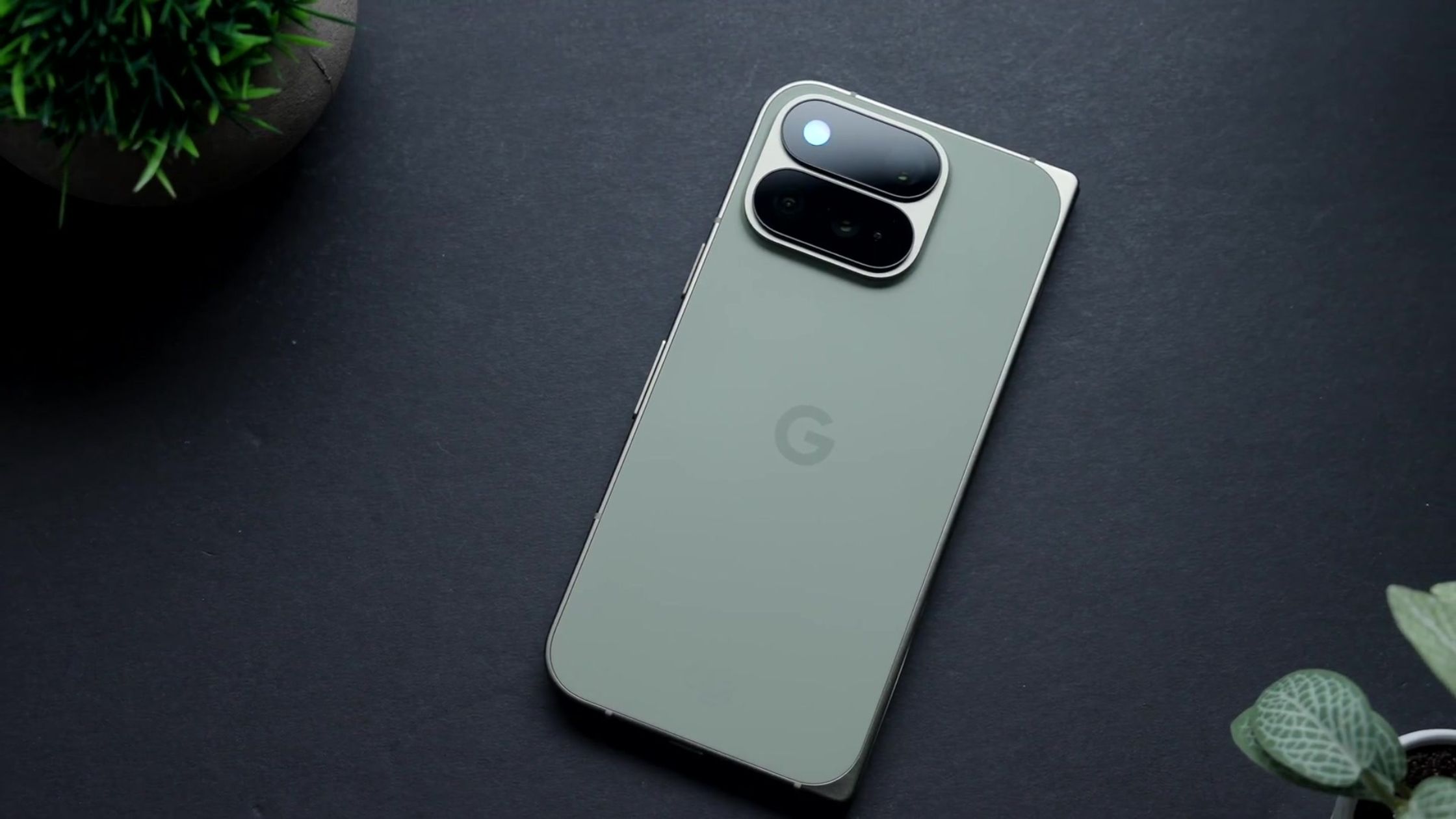
Are you looking for a foldable that feels like a regular phone when you’re using it closed? After spending a week with the Google Pixel 11 Pro Fold, I was surprised by how much I liked the cover screen. I could use it for quick tasks without feeling like I had to open the phone every time. When I did open it, running two apps side by side was the feature I enjoyed most. But would I spend $1,899 to get it?
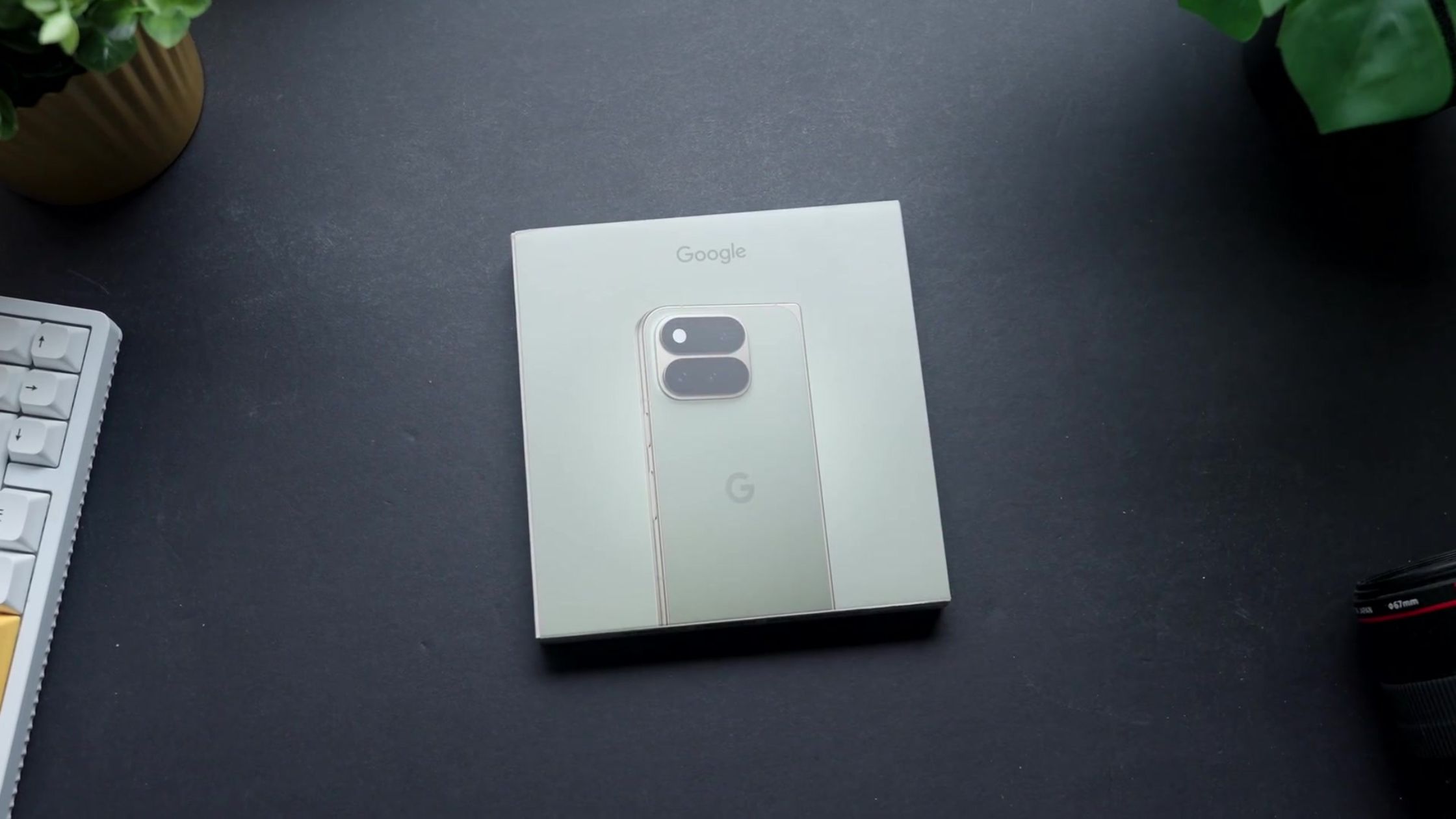
What’s in the box
- Google Pixel 11 Pro Fold
- USB-C charging cable
- SIM ejector tool
Design and feel
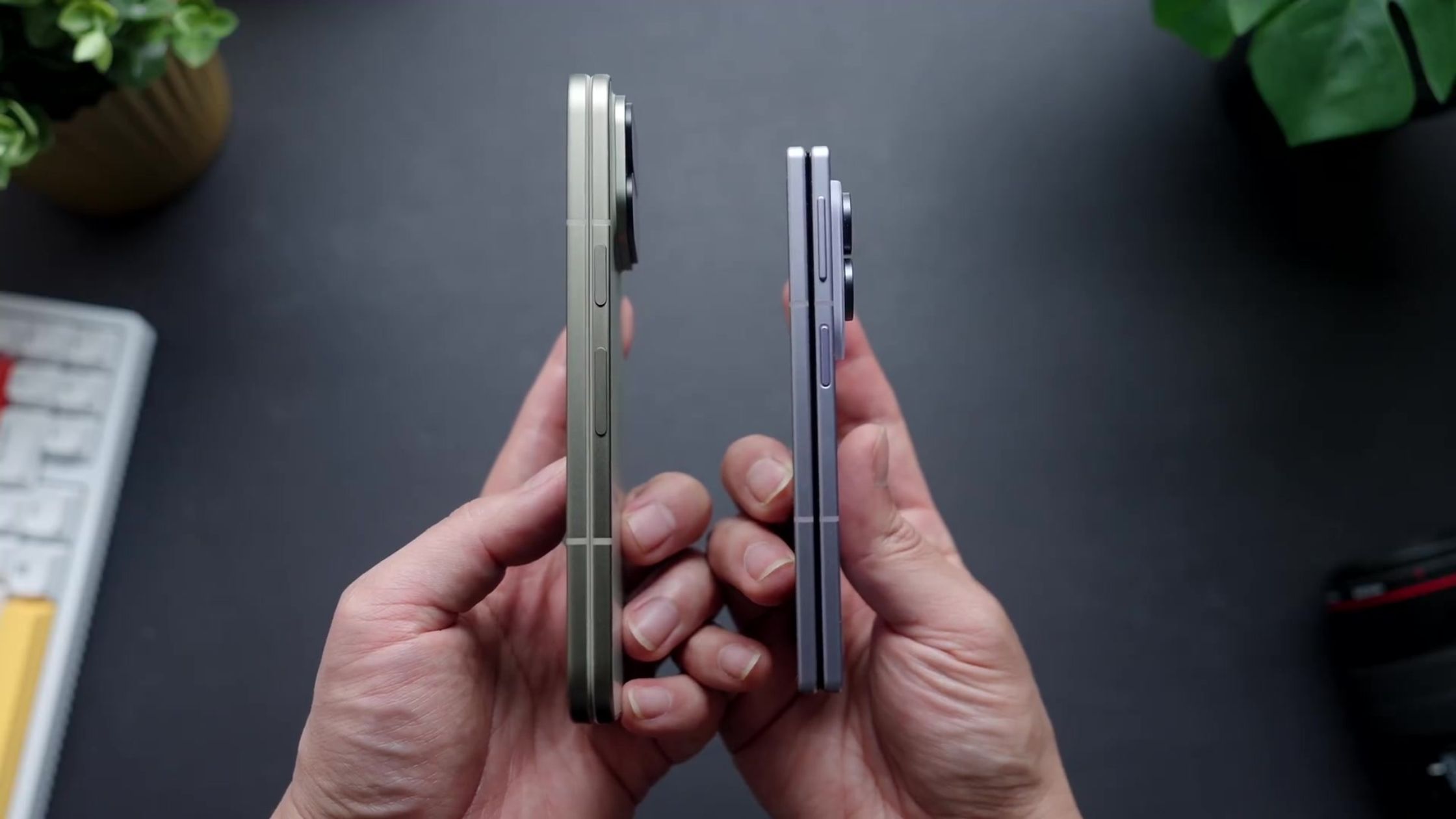
The Pixel 11 Pro Fold looks familiar if you’ve seen the Pixel 10 Pro Fold, but I noticed the difference in weight when I carried it. I could still slip it into my pocket without much trouble. Once I put it next to the Galaxy Z Fold 8, though, the Pixel felt bulkier. I’d like to see Google make it thinner again next year.
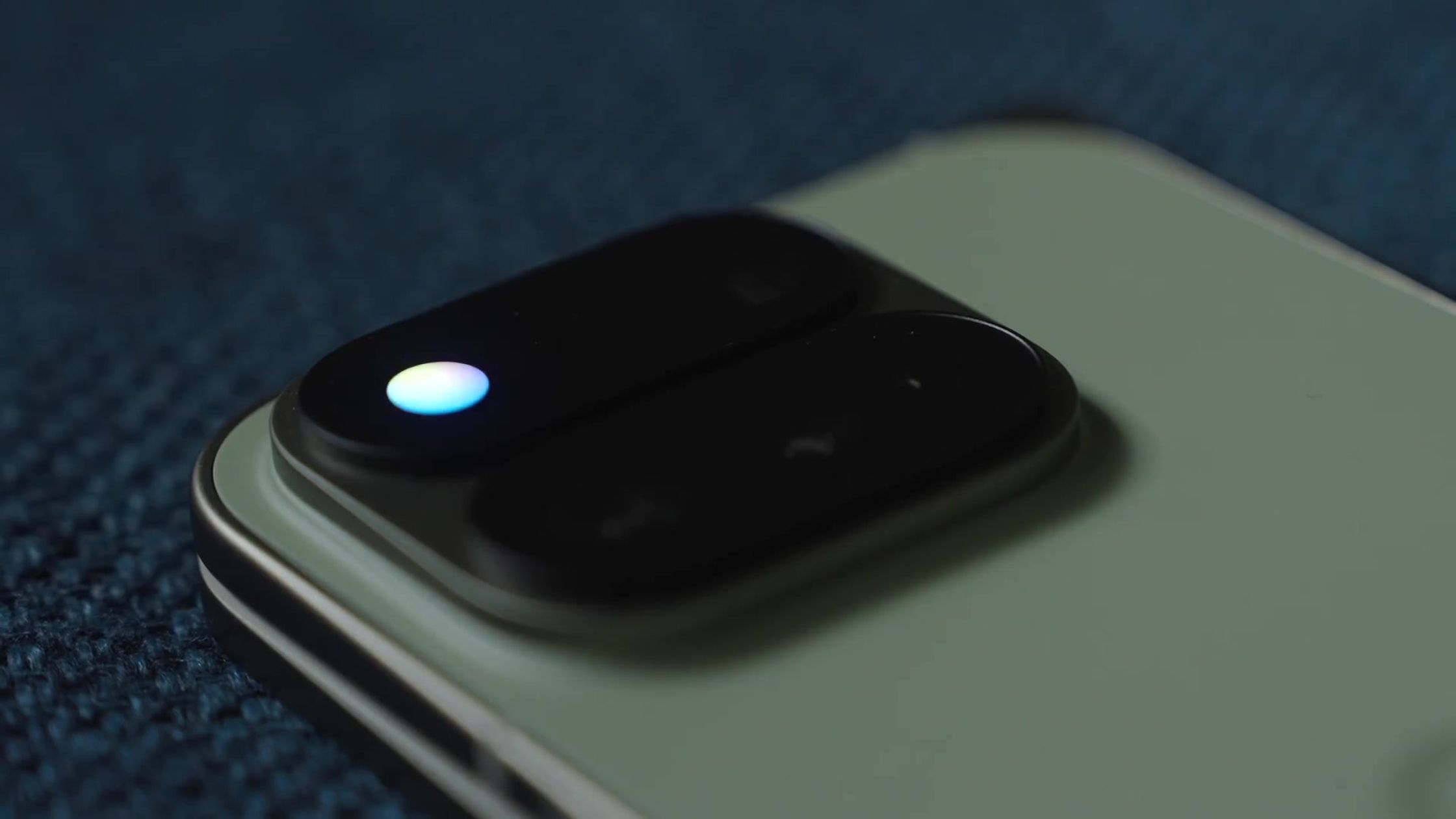
Google kept IP68 dust and water resistance and added a small light around the rear camera flash called HiLight. It can light up for calls from favorite contacts or when you’re using Gemini hands-free. I’d find it more useful if I could choose which notifications I want it to show.
Displays and multitasking
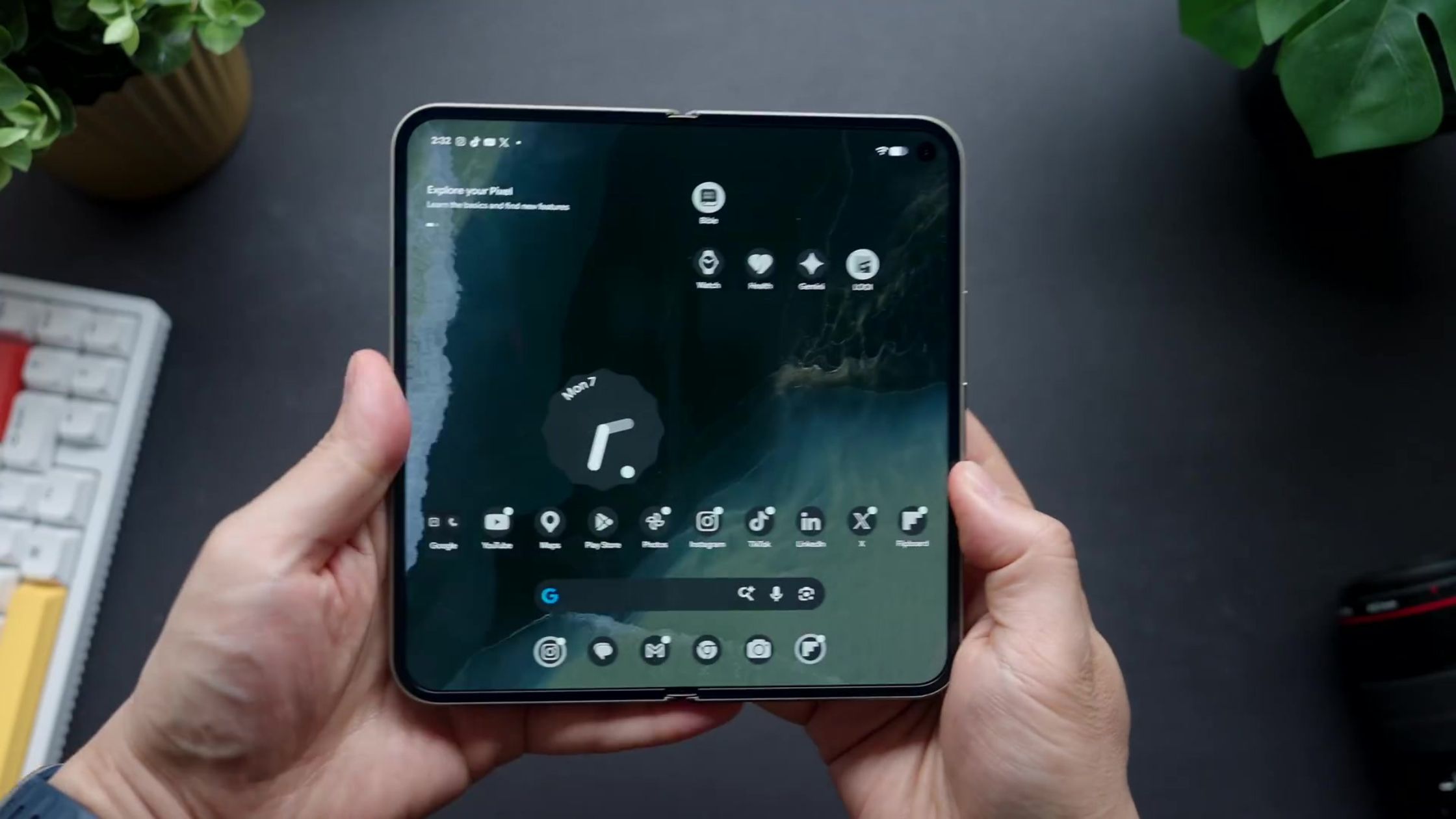
I liked using the 6.5-inch cover display because it’s close to the shape of a regular phone screen. Scrolling and moving between apps felt familiar. Inside, the 8-inch display is where I had the most fun. I could drag an app to one side and use another app next to it. Each app had enough room to use comfortably, which made split-screen something I could see myself using regularly.
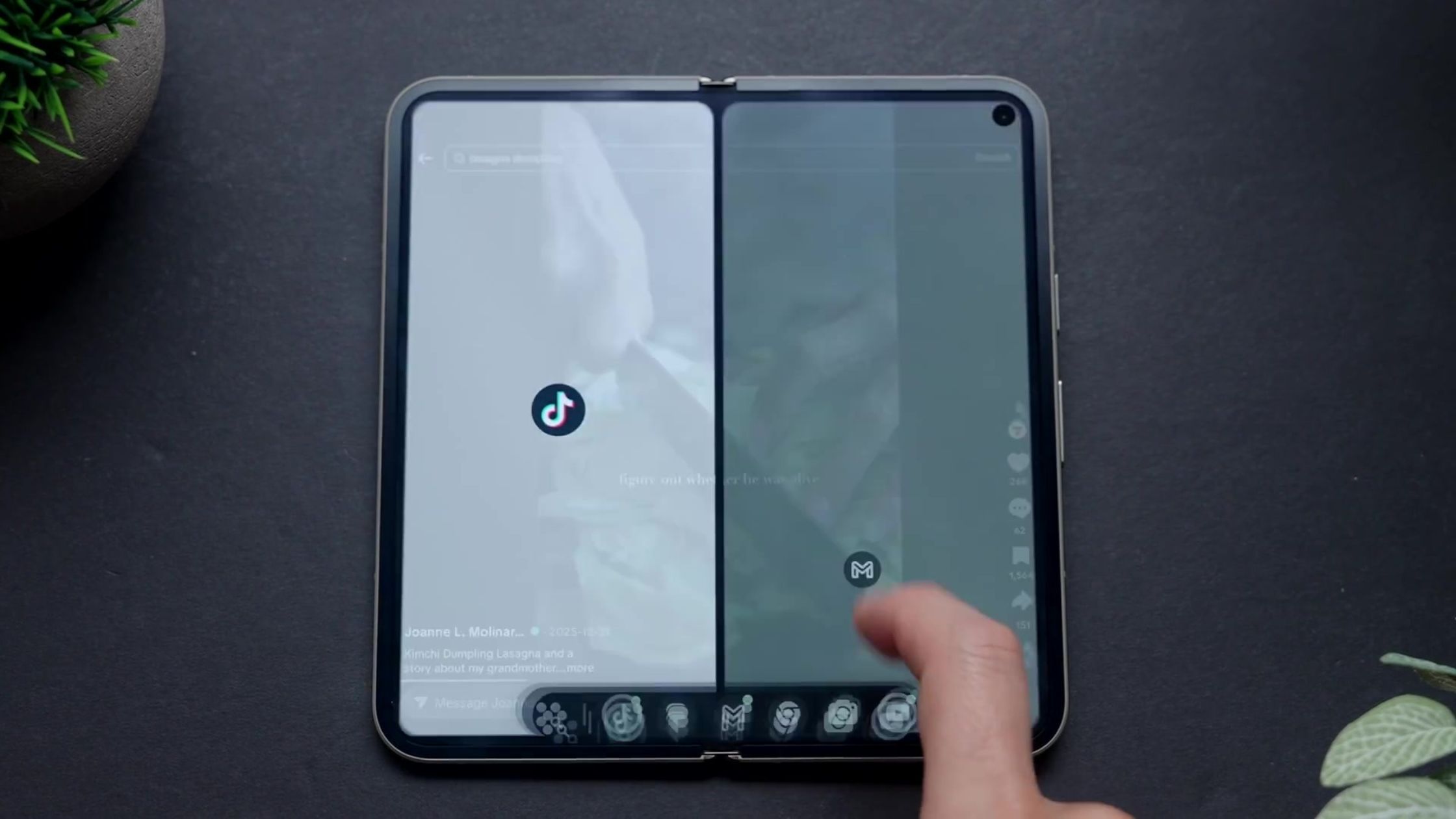
I could still see the crease when I tilted the phone, and I felt it when I ran my finger across the middle. Reflections were noticeable too. Once I had two apps open or started playing a game, the crease bothered me less.
Camera quality
The new 48 MP main camera is one of my favorite upgrades. The photos looked more natural to me, and I could see an improvement in portrait shots, especially around the edges of the person in focus. You also get an ultrawide and a 5× telephoto, so there’s a good range of options for different shots.
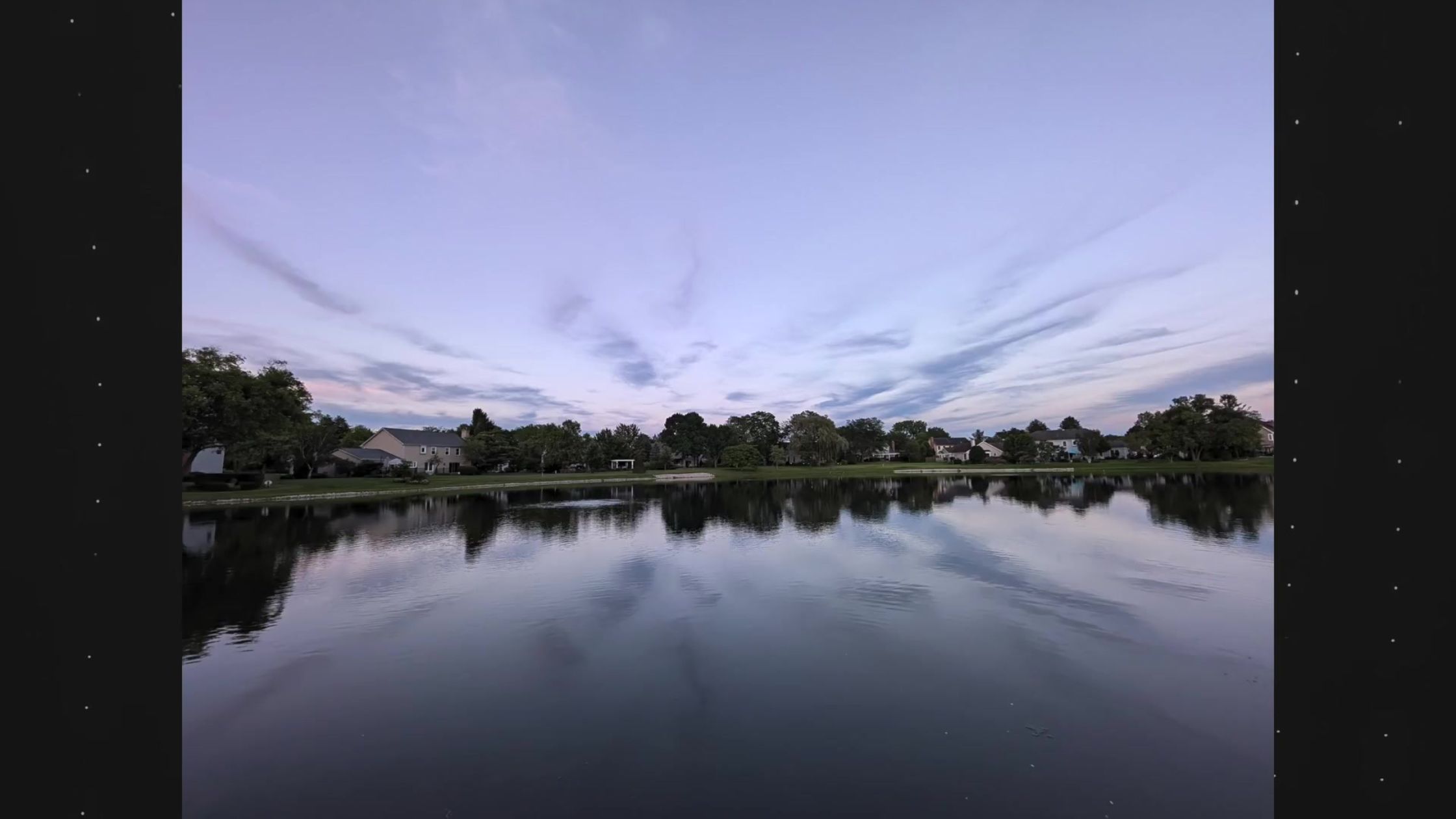
Of the three ways to take a selfie, I’d use the inner camera last. The cover camera gave better results, but my favorite was using the main rear camera and framing the shot on the cover screen. It’s a little awkward to hold the phone open that way, but I’d do it again for a photo I wanted to keep.
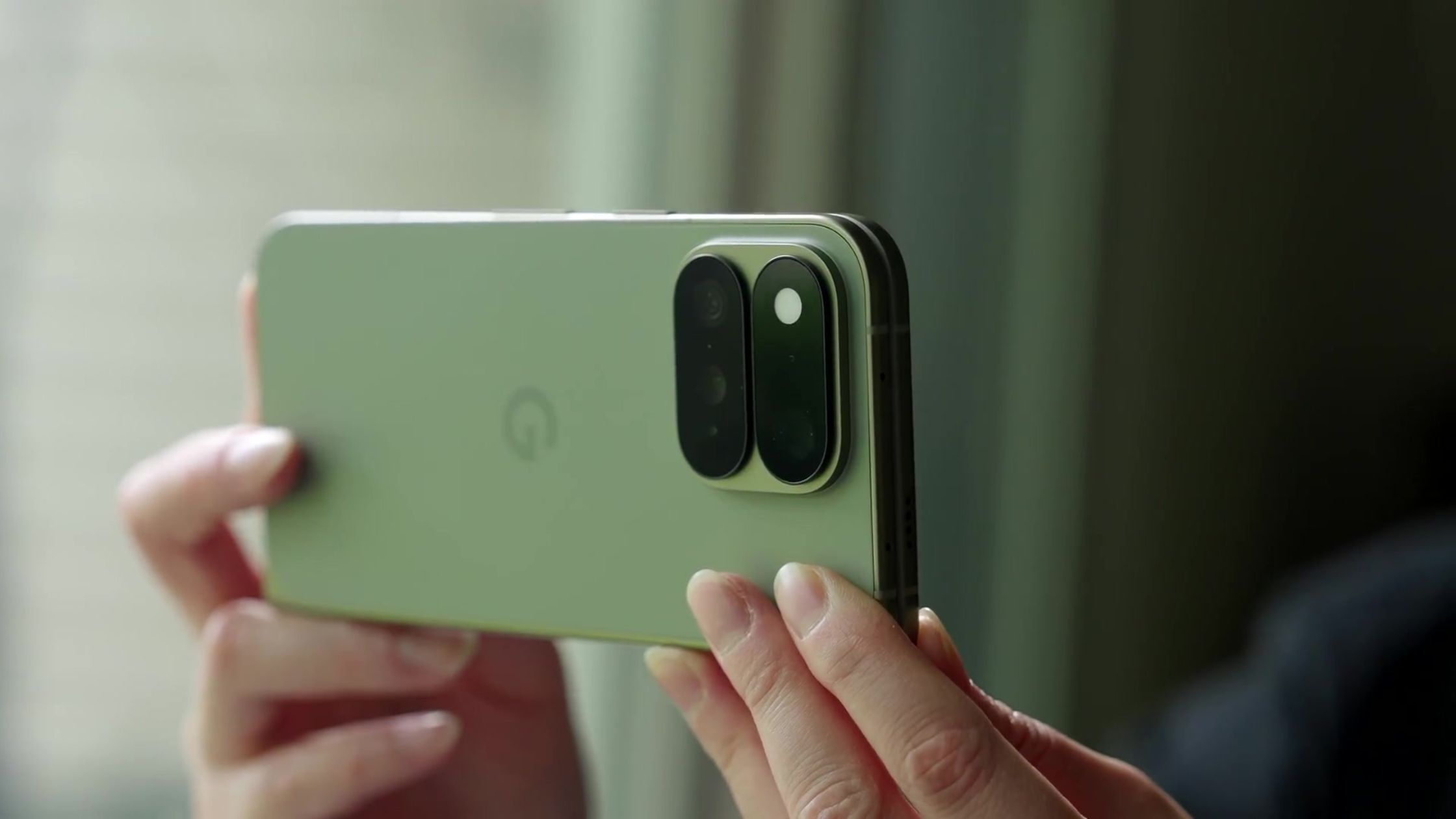
I was happier with the photos than the video. The phone shoots up to 4K at 60 frames per second, but the footage looked close to what I’d expect from last year’s model.
Performance and battery life
The Tensor G6 and 16 GB of RAM kept things running smoothly. Apps opened quickly, and I didn’t notice any stuttering when moving around Android 17. I also enjoyed playing games on the inner screen. The extra room made a bigger difference to me than the faster chip did.
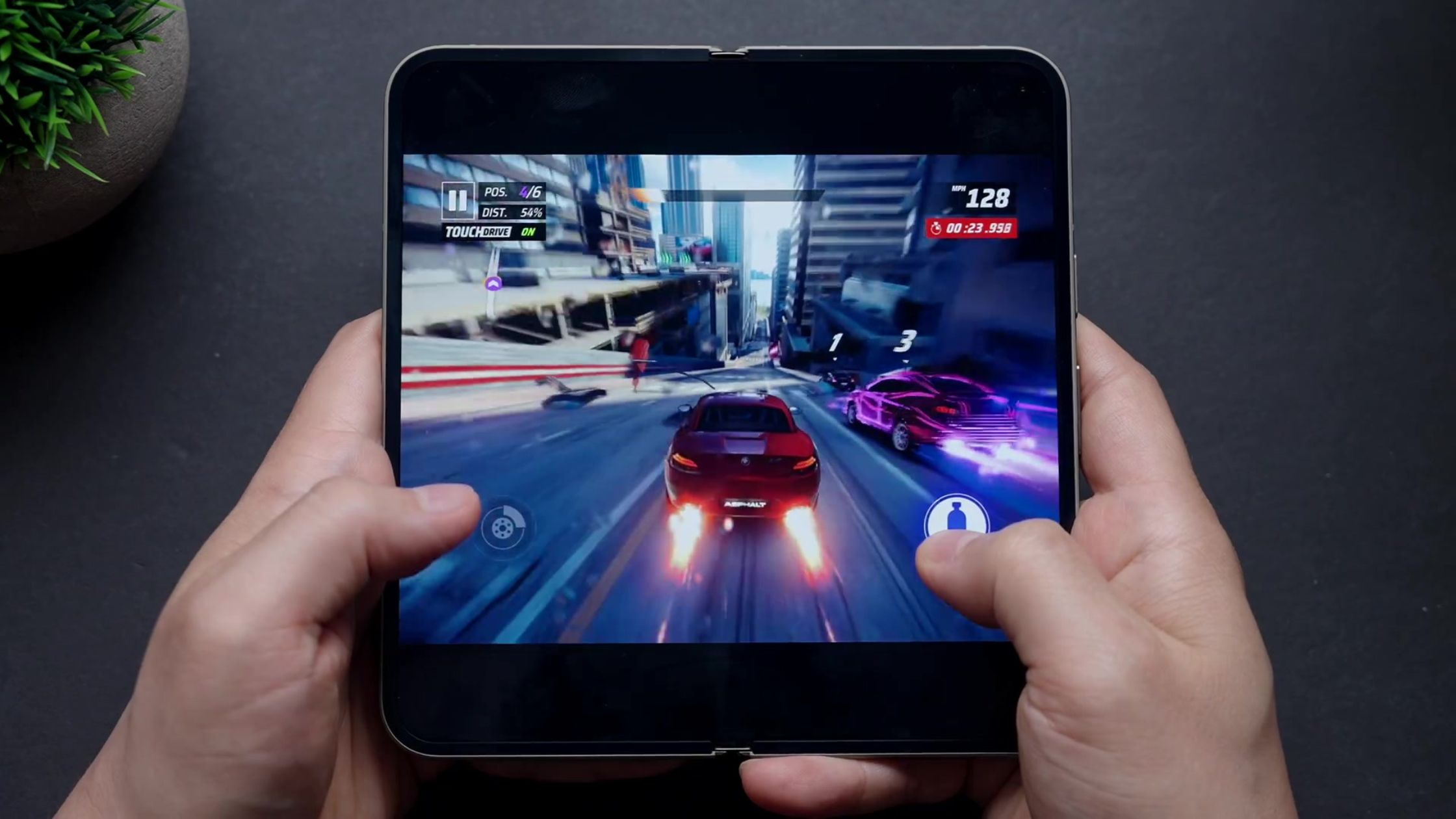
The 4,806 mAh battery is smaller than the one in the Pixel 10 Pro Fold. I’d put battery life at around a day based on my week with the phone. That’s solid for a foldable, especially if you plan to use the inner display often.
Pros and cons
Pros
- Lighter build that’s easier to carry
- Cover screen that feels familiar for everyday use
- Plenty of room to run two apps side by side
- More natural photos from the main camera
Cons
- The inner screen is reflective, and I could still see and feel the crease
- Video quality feels similar to last year’s
- The $1,899 starting price is hard to justify for casual use
How it compares
| Specification | Pixel 11 Pro Fold | Pixel 10 Pro Fold | Samsung Galaxy Z Fold 8 | Pixel 11 |
|---|---|---|---|---|
| Outer or only display | 6.5 inches | 6.4 inches | 5.5 inches | 6.3 inches |
| Inner display | 8 inches | 8 inches | 7.6 inches | — |
| Weight | 239 g | 258 g | 201 g | 197 g |
| Body thickness | 10.1 mm | 10.8 mm | 9.7 mm | 8.6 mm |
| Typical battery capacity | 4,806 mAh | 5,015 mAh | 4,800 mAh | 4,985 mAh |
| Processor | Tensor G6 | Tensor G5 | Snapdragon 8 Elite Gen 5 for Galaxy | Tensor G6 |
| Main rear camera | 48 MP | 48 MP | 50 MP | 48 MP |
| Dedicated telephoto | 5× optical | 5× optical | — | 5× optical |
| Highest rear video resolution | 4K at 60 fps | 4K at 60 fps | 8K at 30 fps | 4K at 60 fps |
| Starting U.S. list price | $1,899 | $1,799 | $1,899.99 | $899 |
Thickness is listed with the foldables closed.
Price and verdict
I enjoyed using the Pixel 11 Pro Fold, but I kept coming back to the price. It launched at $1,899 in the U.S., a full $1,000 more than the regular Pixel 11. If I spent a lot of time reviewing documents, taking notes, or using two apps together on my phone, I could see myself paying for the extra space.
Would I buy it for everyday use? I’d get the regular Pixel 11. I liked having the big screen, and I’d pay the difference only if I had a reason to open it every day.
Leave a Reply